

This week, Zero shipped seven practical updates, now available to everyone. You can bring past chats into a conversation, browse the web, edit work between messages, turn ideas into diagrams, create richer outputs, and connect Zero to more of the tools your team already uses.
Cloud Browser
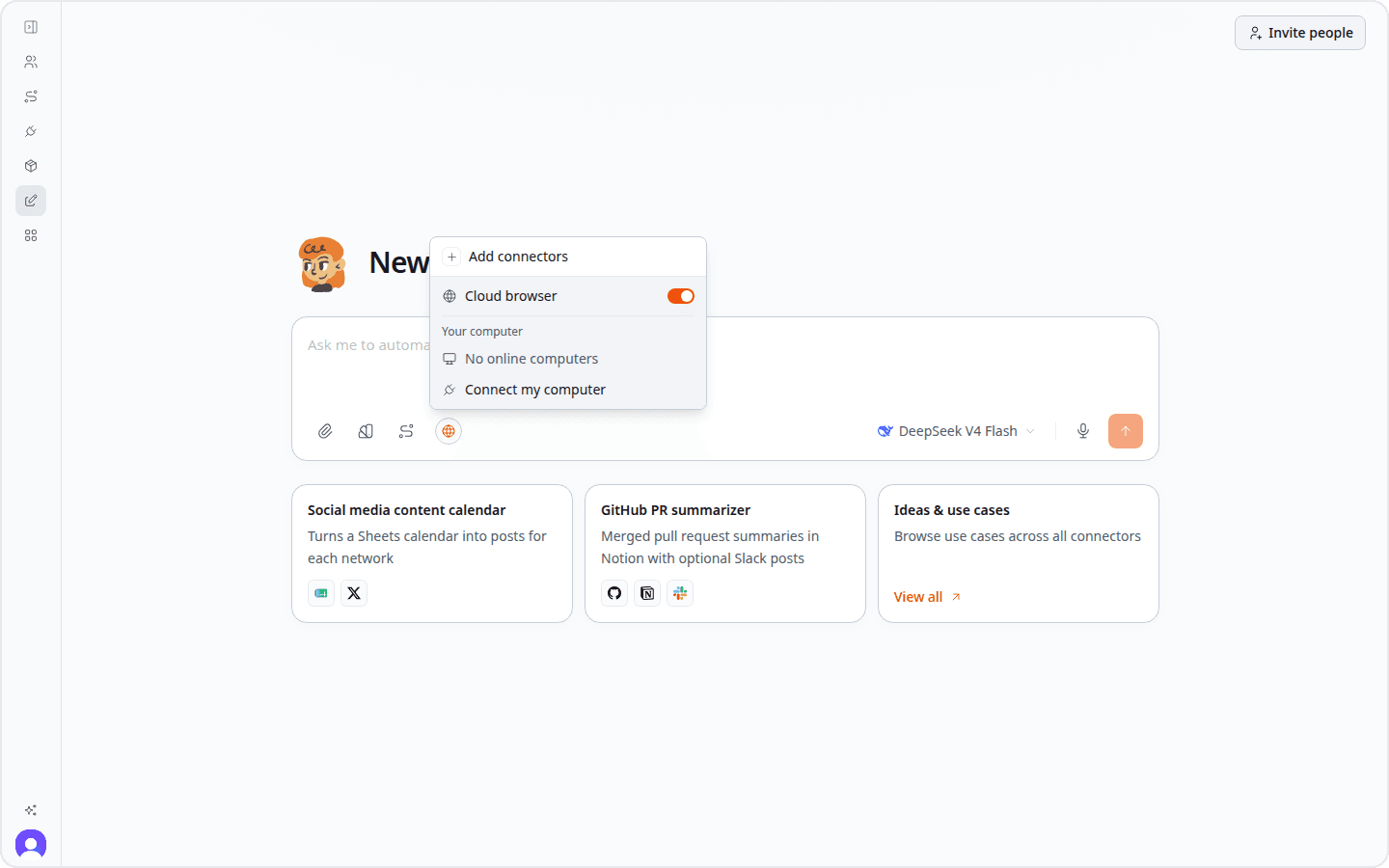
Every workspace can now give Zero a live browser window. Ask it to compare products, collect information from several pages, complete a web form, or work through a site where you are already signed in. You can open the browser whenever you want to watch, guide the work, or take over yourself.
Browser access belongs to the conversation where you enabled it. New chats start with Cloud Browser available, and you can turn it off or choose a connected computer instead. That keeps each task's browser work together with its messages and results.
Mention previous chat threads
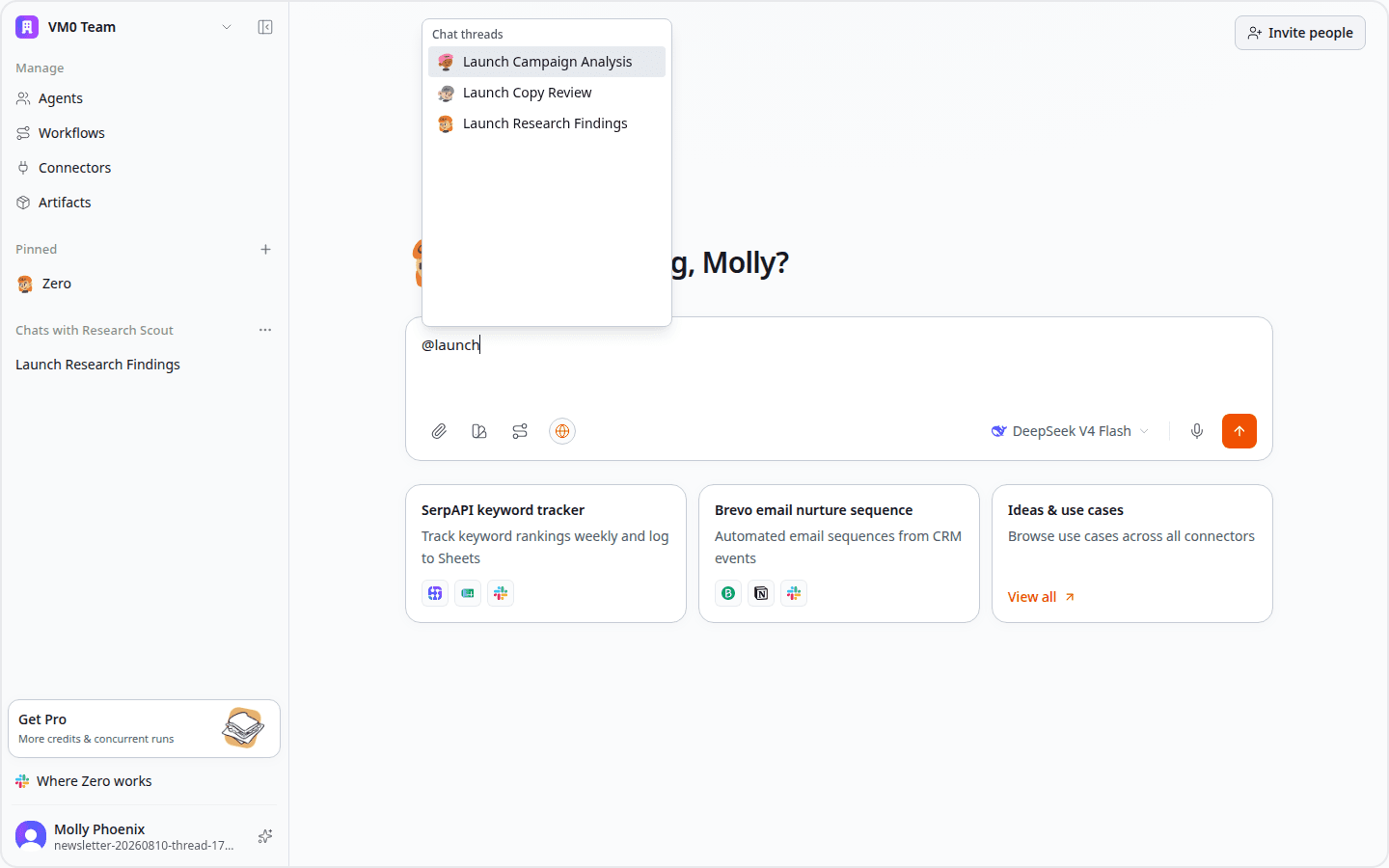
Type @ in the composer to bring a previous chat thread into your current conversation. The suggestion menu shows titled threads from across your agents, with each thread's agent avatar, so you can choose the right context without leaving the chat.
When you select a thread, Zero inserts it into your prompt as context. You can then ask the current agent to review, compare, continue, or build on that earlier work.
Diagrams in chat
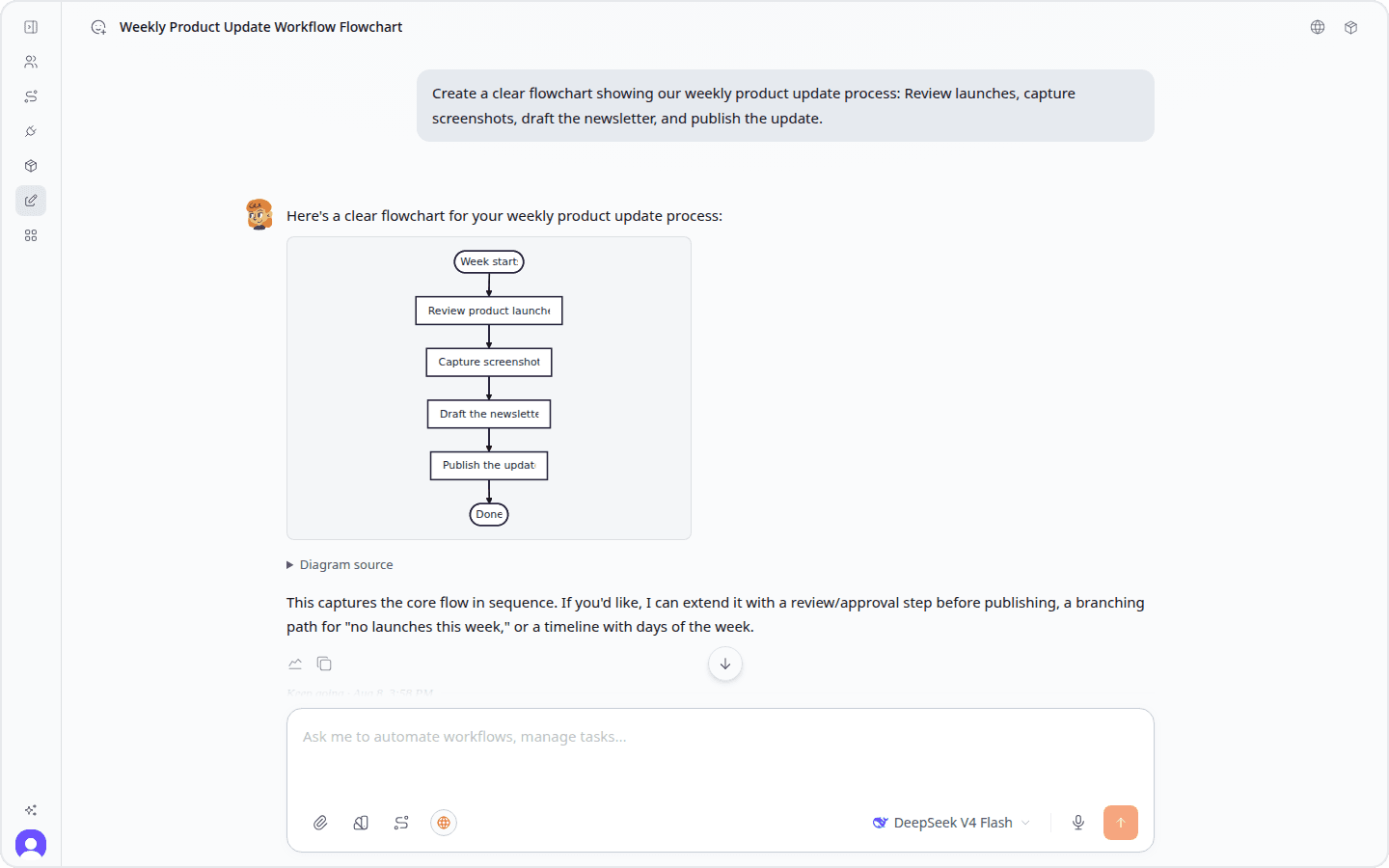
Diagrams now appear visually inside Web Chat. Ask Zero for a flowchart, sequence, process map, or architecture view and the result appears as a diagram you can read immediately instead of a block of diagram code.
Open a diagram beside the conversation when you want more space, then return to the chat without losing your place.
Try it: Create a flowchart in Zero →
MiniMax H3 and Seedance 2.5 video generation
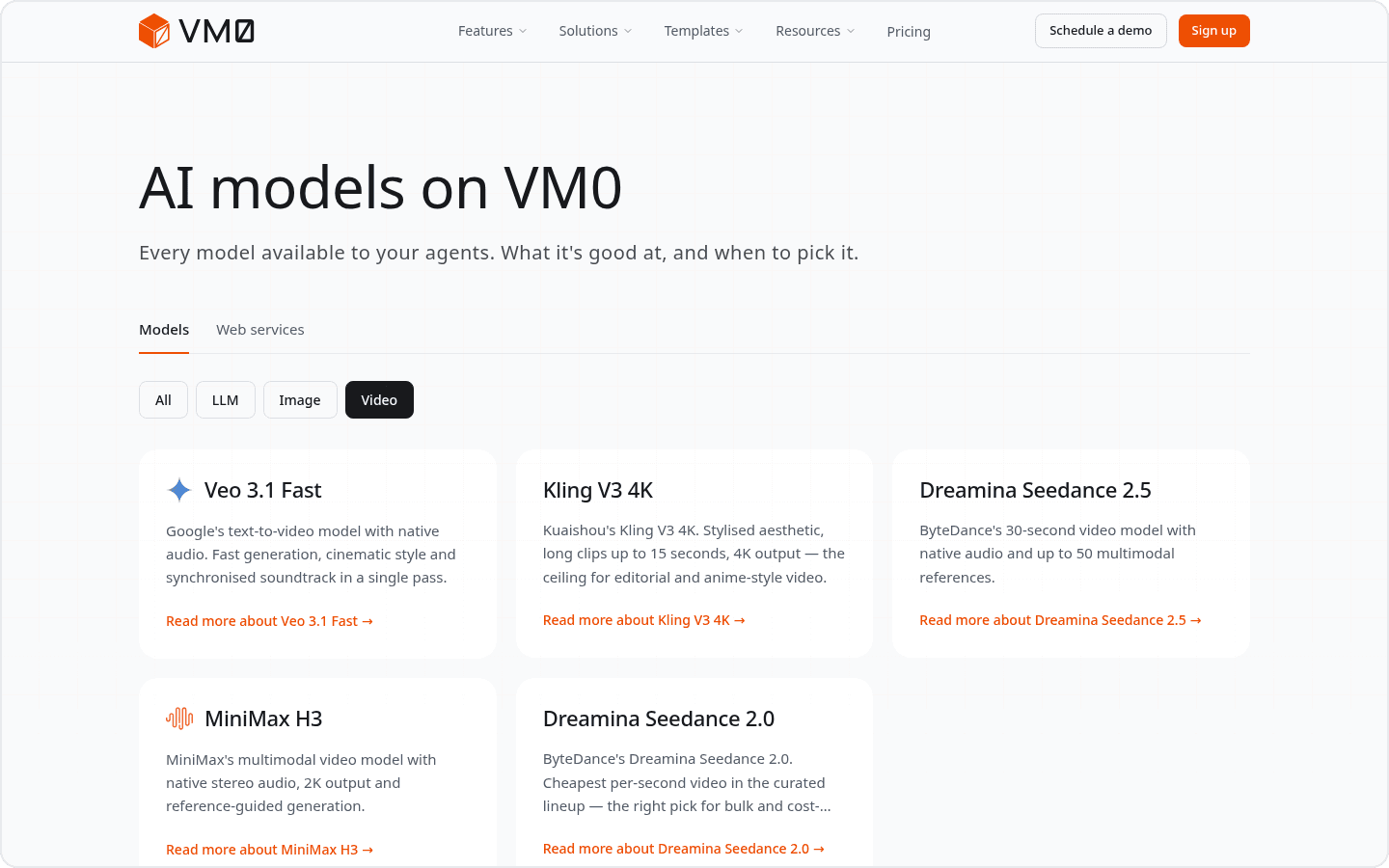
Two new built-in video options are available. MiniMax H3 is a strong choice when you want high-resolution output, native audio, or tighter control from opening and closing frames. Seedance 2.5 supports clips from 4 to 30 seconds and can work from text, images, video, or audio references.
You still ask in plain language. Describe the scene, duration, framing, sound, and any reference material; Zero handles the generation and returns the finished video to the conversation. No separate provider account or setup is required.
Try it: Create a product introduction video or compare video models.
Connect more of your stack
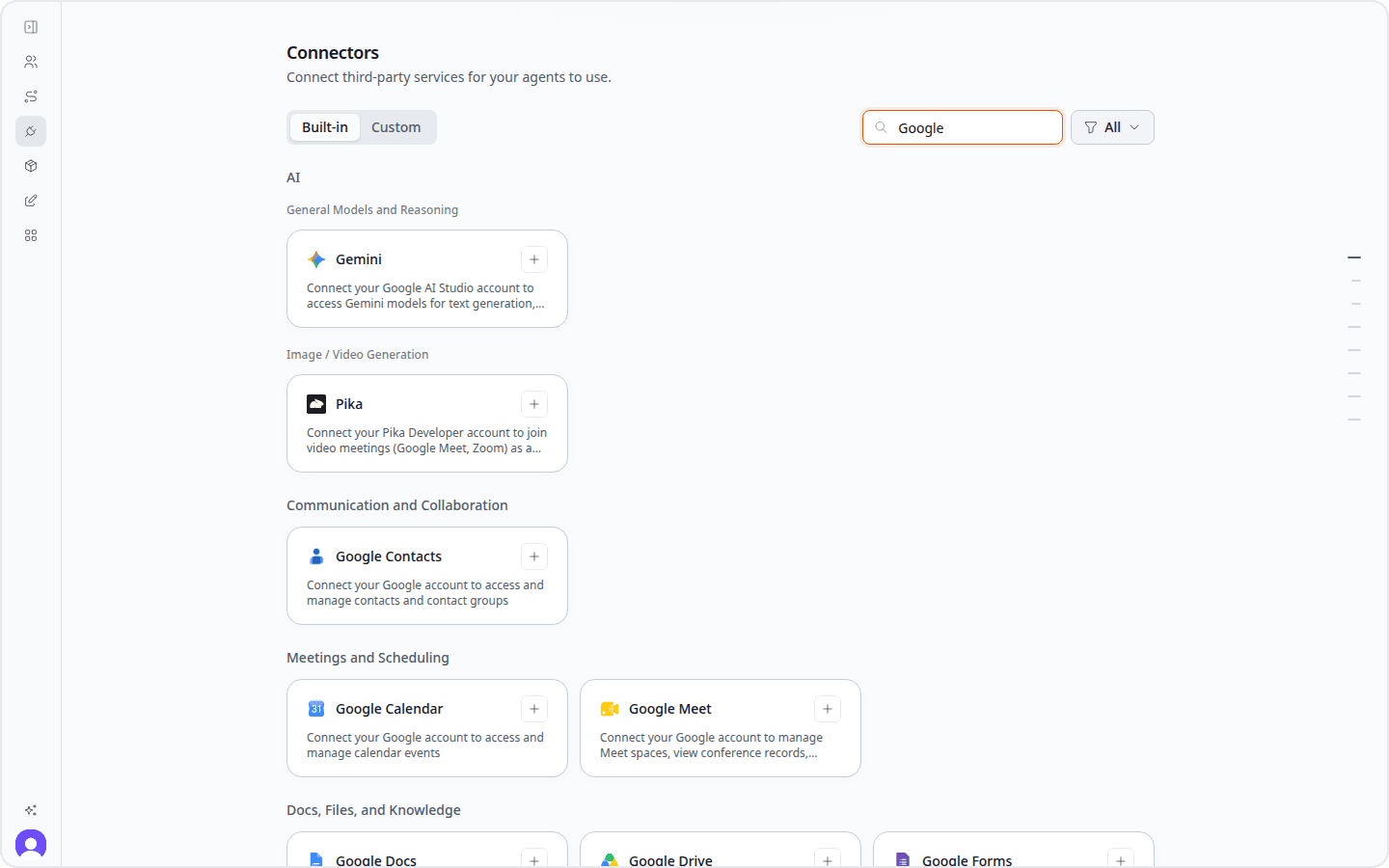
Microsoft Teams, AWS, Google Contacts, Google Forms, and JoggAI are now available across workspaces.
Teams can become another place to work with Zero. Contacts and Forms can provide context for outreach and operations. AWS can support cloud work, while JoggAI can bring avatar-video tasks into a wider workflow. Workspace admins can also connect their preferred AI services and choose which models the team can use.
Multiple templates in one request
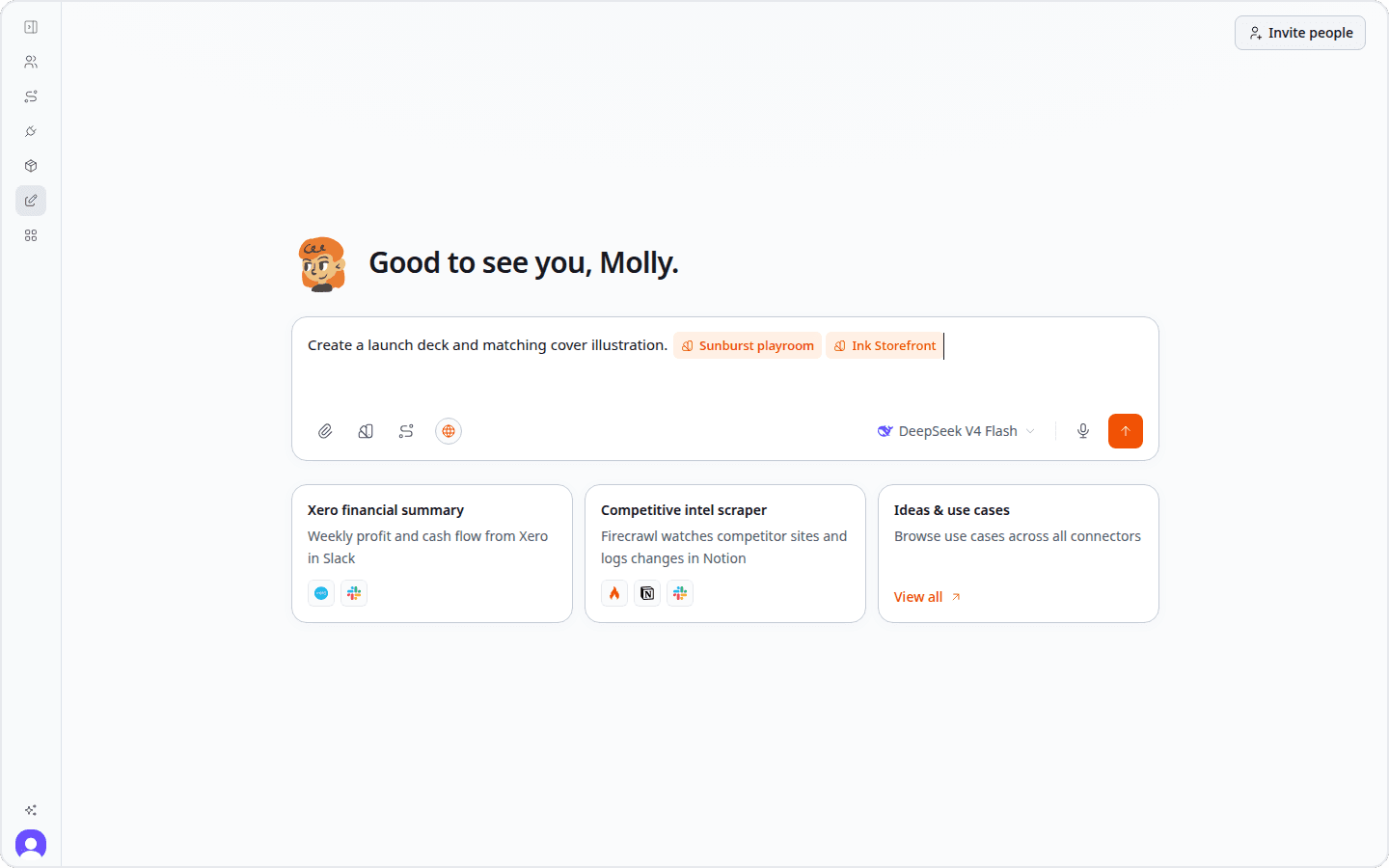
Templates now sit inside the message you are composing, and you can add more than one to the same request. That means a single brief can carry several ordered creative directions or output formats without flattening them into a long block of instructions.
Pick the templates, add the context that makes the work yours, and send them together. They remain visible in the sent message, so anyone returning to the conversation can see the choices that shaped the result.
Try it: Open a multi-output creative brief →
Find every deliverable in Artifacts
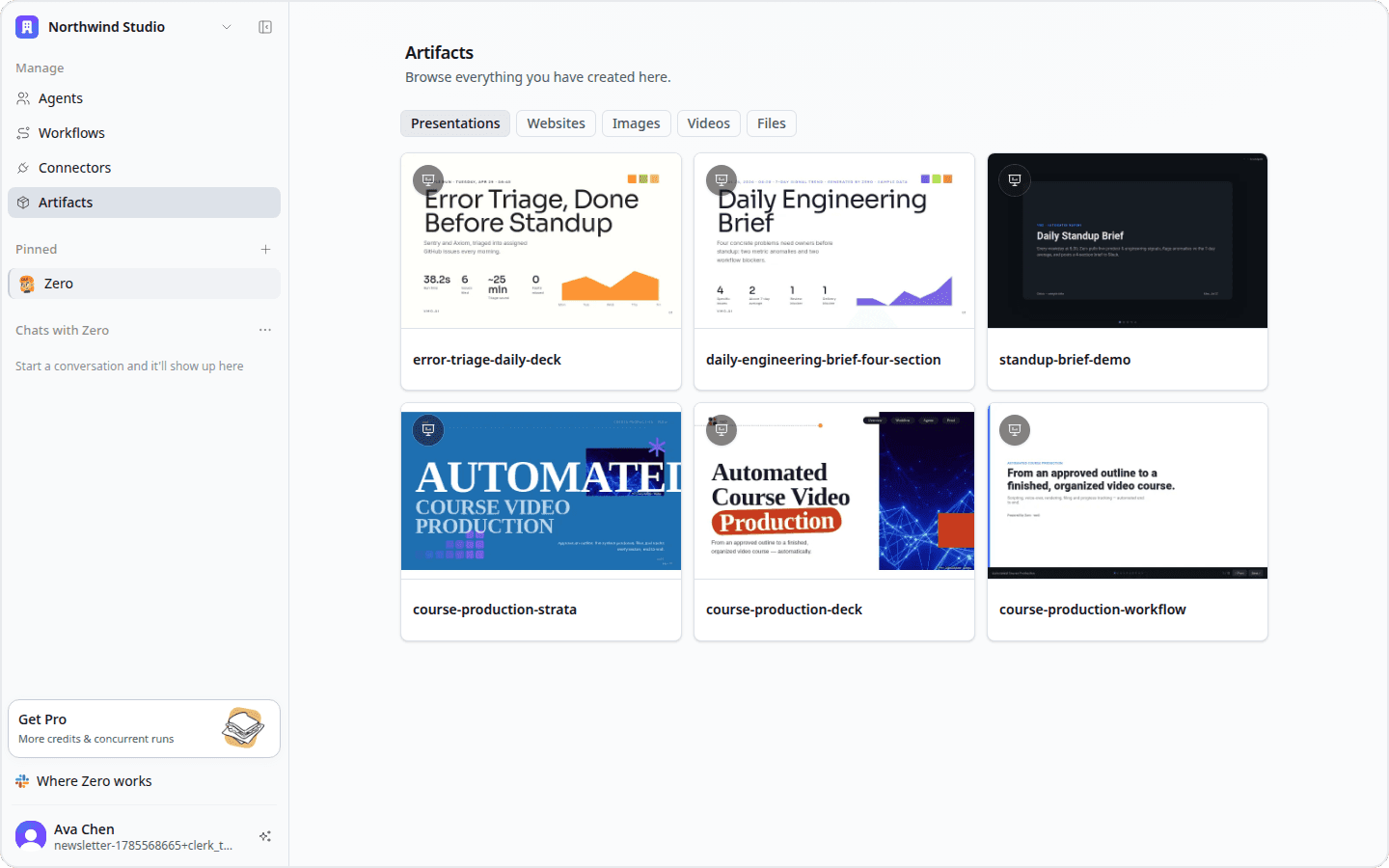
The Artifacts section lives in the sidebar and brings together everything Zero has previously created for you.
Presentations, images, videos, and files are easy to find and reopen from one place, without returning to the original conversation.
Open: View your Artifacts →
Smaller updates
- Unread conversations are easier to spot. Pinned agents and the conversation picker now show where new activity is waiting.
- Download monthly invoices as PDFs. Each invoice row downloads with its month in the filename, ready for reconciliation or filing.
- Suggested next steps stay under your control. Clicking a recommendation puts it into the composer so you can review or edit it before sending.
That's everything in this week's update. Start a fresh chat to try Cloud Browser, ask for a flowchart, or bring a video prompt or previous thread into work you already have underway.


